How Does a JavaScript Chatbot Work for Modern Websites?

 Total View: 222
Submitting the form below will ensure a prompt response from us.
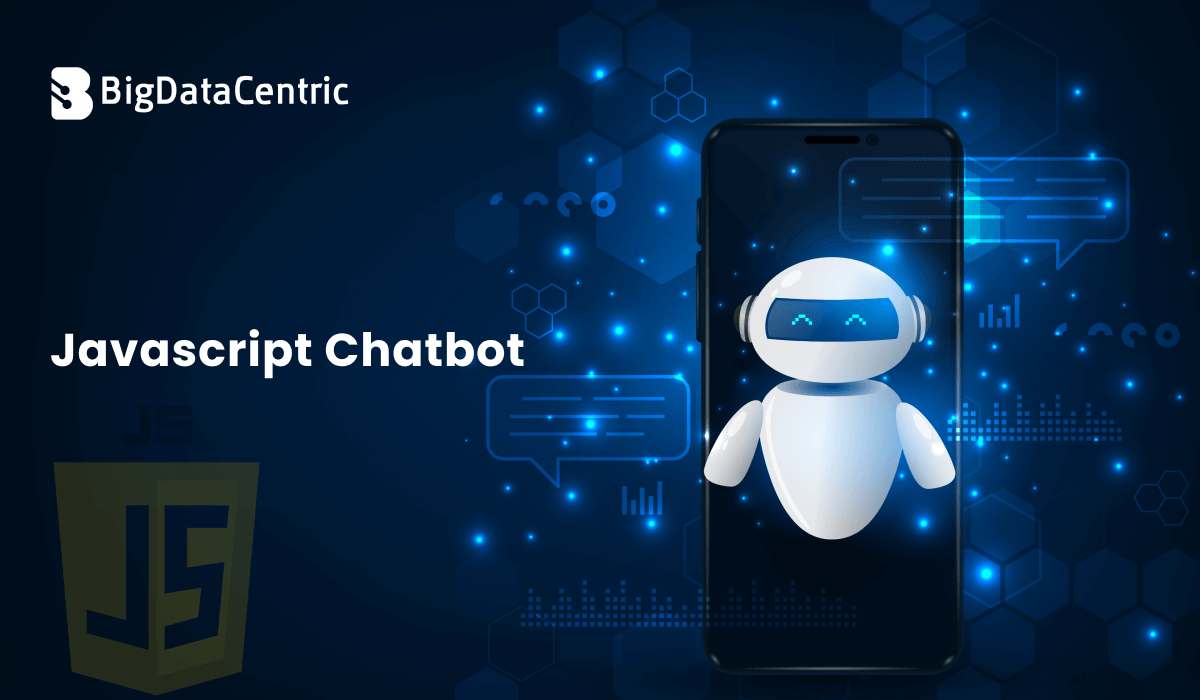
A JavaScript chatbot is an interactive conversational interface built with JavaScript that enables users to communicate with applications via text or voice in real time. These chatbots are widely used on websites, SaaS products, and customer support portals to automate conversations, answer queries, and guide users.
JavaScript chatbots can range from rule-based bots to advanced AI-powered assistants integrated with natural language processing (NLP) and machine learning models.
How Does a JavaScript Chatbot Work?
A JavaScript chatbot typically consists of two major layers:
- Frontend (JavaScript UI)
- Backend (Logic, AI, and Data Processing)
Frontend Responsibilities
- Capturing user input
- Displaying chatbot messages
- Managing real-time interaction
- Handling API calls
Backend Responsibilities
- Processing user queries
- Applying business logic or AI models
- Returning structured responses
Types of JavaScript Chatbots
Rule-Based JavaScript Chatbots
These bots follow predefined rules and decision trees.
Example use cases:
- FAQs
- Order tracking
- Simple navigation helps
AI-Powered JavaScript Chatbots
These use NLP and machine learning to understand intent and context.
Common integrations:
- OpenAI / LLM APIs
- Dialogflow
- Rasa
- Custom ML models
Basic JavaScript Chatbot Example (Frontend)
<input id="userInput" placeholder="Type a message" />
<button onclick="sendMessage()">Send</button>
<div id="chat"></div>

<script>
function sendMessage() {
  const input = document.getElementById("userInput").value;
  const chat = document.getElementById("chat");
  chat.innerHTML += `<p>User: ${input}</p>`;
  chat.innerHTML += `<p>Bot: Hello! How can I help you?</p>`;
}
</script>
This simple JavaScript chatbot responds with static messages.
Adding Intelligence with AI (Backend – Python)
To make a JavaScript chatbot intelligent, you typically connect it to a Python-based AI backend.
Python API Example Using Flask
from flask import Flask, request, jsonify
from transformers import pipeline

app = Flask(__name__)
chatbot = pipeline("text-generation", model="gpt2")

@app.route("/chat", methods=["POST"])
def chat():
    user_message = request.json["message"]
    response = chatbot(user_message, max_length=50)
    return jsonify({"reply": response[0]["generated_text"]})

if __name__ == "__main__":
    app.run(debug=True)
JavaScript Fetch API Integration
async function sendMessage() {
  const input = document.getElementById("userInput").value;
  const response = await fetch("/chat", {
    method: "POST",
    headers: { "Content-Type": "application/json" },
    body: JSON.stringify({ message: input })
  });

  const data = await response.json();
  document.getElementById("chat").innerHTML += `
Bot: ${data.reply}
This architecture enables real AI-driven conversations using JavaScript + Python.
Features of Modern JavaScript Chatbots
- Real-time messaging
- Multi-language support
- Context awareness
- API and CRM integration
- Voice-enabled interactions
- Analytics and conversation tracking
Use Cases of JavaScript Chatbots
- Customer support automation
- Lead generation
- Product recommendations
- HR and internal support
- Booking and scheduling
- E-commerce assistance
Tools and Frameworks for JavaScript Chatbots
| Tool / Framework | Purpose | Key Advantage |
|---|---|---|
| Botpress | Open-source chatbot platform | High customization and self-hosting control |
| Dialogflow | NLP-based chatbot service | Strong intent recognition and language support |
| Rasa | Custom chatbot backend | Complete control over data and logic |
| Socket.io | Real-time communication | Low-latency bidirectional messaging |
| Node.js | Backend services | Scalable and event-driven architecture |
| Flask / FastAPI (Python) | AI model serving | Fast API responses and easy AI integration |
What Are Common JavaScript Chatbot Challenges?
- Handling unclear or varied user inputs
- Managing conversation context
- Scaling for high user traffic
- Securing user data and APIs
- Maintaining fast response times
Build a Custom JavaScript Chatbot
We design AI-powered JavaScript chatbots tailored for websites, SaaS platforms, and customer support.
Conclusion
A JavaScript chatbot is a powerful way to enhance user interaction and automate communication on modern websites. By combining JavaScript on the frontend with Python-powered AI backends, organizations can build scalable, intelligent, and highly responsive chatbots.
Whether you’re starting with a simple rule-based bot or building a full AI conversational assistant, JavaScript chatbots offer flexibility, performance, and seamless integration with web applications.

Jayanti Katariya is the CEO of BigDataCentric, a leading provider of AI, machine learning, data science, and business intelligence solutions. With 18+ years of industry experience, he has been at the forefront of helping businesses unlock growth through data-driven insights. Passionate about developing creative technology solutions from a young age, he pursued an engineering degree to further this interest. Under his leadership, BigDataCentric delivers tailored AI and analytics solutions to optimize business processes. His expertise drives innovation in data science, enabling organizations to make smarter, data-backed decisions.