QuickSight vs Power BI: Which BI Tool is Right for You?

 Total View: 577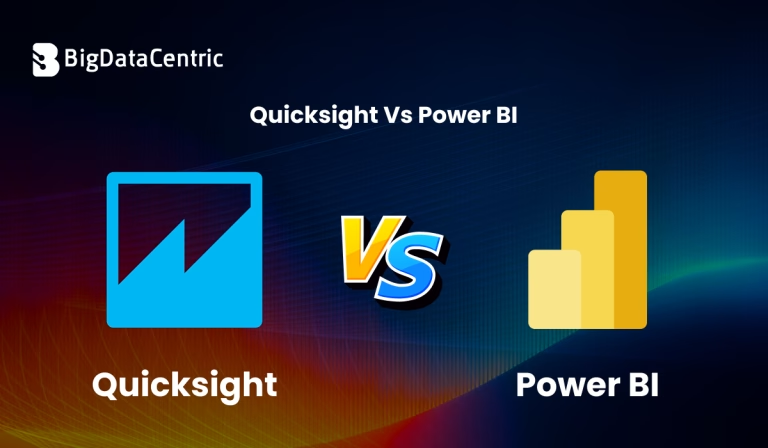
Submitting the form below will ensure a prompt response from us.
When it comes to Business Intelligence (BI), two names often lead the conversation — Amazon QuickSight and Microsoft Power BI. Both tools help organizations visualize data, build dashboards, and make smarter decisions.
However, their ecosystems, integrations, and cost structures differ significantly. Let’s explore QuickSight vs Power BI to see which platform fits your data strategy best.
Overview of Amazon QuickSight
Amazon QuickSight is a cloud-native BI service developed by AWS. It’s designed for serverless scalability, real-time analytics, and deep integration with AWS data sources.
Key Features:
- Fully managed and serverless (no infrastructure setup).
- Integrates directly with AWS services like S3, Redshift, Athena, and RDS.
- Supports ML-powered insights using Amazon SageMaker.
- Pay-per-session pricing model — cost-effective for occasional users.
Ideal For: Businesses already running on AWS infrastructure that require lightweight, scalable analytics.
Overview of Microsoft Power BI
Microsoft Power BI is a feature-rich, enterprise-ready BI platform that integrates tightly with Microsoft 365, Azure, and SQL Server ecosystems.
Key Features:
- Strong data modeling with DAX (Data Analysis Expressions).
- Integration with Excel, SQL, and Azure Synapse.
- Extensive visualizations and custom visuals marketplace.
- Advanced data transformation with Power Query.
- Desktop, mobile, and embedded BI support.
Ideal For: Enterprises with existing Microsoft ecosystems seeking robust reporting and self-service analytics.
You Might Also Like:
Microservices Design Patterns: Key Strategies for Scalable Systems
QuickSight vs Power BI: Feature Comparison
| Feature | Amazon QuickSight | Microsoft Power BI |
|---|---|---|
| Hosting Model | Fully Cloud (AWS Managed) | Cloud + On-premises |
| Ease of Setup | Quick, fully managed | Moderate (desktop & server setup) |
| Integrations | AWS ecosystem (S3, Redshift, Athena) | Microsoft stack (Excel, Azure, SQL) |
| AI/ML Support | Built-in ML insights | AI visuals, cognitive services |
| Cost Model | Pay-per-session | Per-user licensing |
| Performance | Scalable via SPICE engine | Excellent for large datasets |
| Customization | Moderate | Extensive |
| Community Support | Smaller user base | Very large global community |
Python Example: Connecting to Power BI and QuickSight Data
Both tools allow integration with Python for advanced analytics and automation.
Power BI – Using Pandas and Pyodbc
import pandas as pd
import pyodbc

# Connect to Power BI dataset via SQL Server
conn = pyodbc.connect('DRIVER={ODBC Driver 17 for SQL Server};SERVER=server_name;DATABASE=PowerBI_DB;UID=user;PWD=password')
df = pd.read_sql_query("SELECT * FROM sales_data", conn)
print(df.head())
QuickSight – Using AWS SDK (boto3)
import boto3

# Initialize QuickSight client
client = boto3.client('quicksight')

# List available dashboards
response = client.list_dashboards(AwsAccountId='123456789012')
for dashboard in response['DashboardSummaryList']:
    print(dashboard['Name'])
These snippets show how data scientists can programmatically access and analyze BI datasets from Python environments.
Pricing Comparison
- QuickSight: Starts around $0.30 per session, ideal for variable workloads.
- Power BI:$10–$20 per user/month for Pro and Premium tiers, better for regular dashboard users.
QuickSight’s pay-per-use model suits startups and event-driven analytics. Power BI’s per-user licensing fits enterprises with steady analytics needs.
Performance & Scalability
- QuickSight uses SPICE (Super-fast, Parallel, In-memory Calculation Engine) for caching and real-time performance.
- Power BI leverages VertiPaq for high-speed in-memory analytics and DAX calculations.
In large organizations, Power BI may outperform QuickSight in flexibility and enterprise-grade governance, while QuickSight excels in serverless scaling.
Which Tool Should You Choose?
| Use Case | Recommended Tool |
|---|---|
| AWS-focused environment | QuickSight |
| Microsoft-based enterprise | Power BI |
| Cost-sensitive teams | QuickSight |
| Data modeling & custom dashboards | Power BI |
| Lightweight analytics | QuickSight |
Build Scalable BI Dashboards
We help businesses implement QuickSight and Power BI dashboards tailored for real-time analytics and reporting.
Conclusion
When comparing QuickSight vs Power BI, your decision should align with your existing ecosystem and business goals.
If you’re an AWS-native business seeking cost-effective, scalable analytics, go with QuickSight.
If you need advanced visualizations, enterprise-level governance, and Microsoft integration, choose Power BI.
Both platforms are powerful — it’s not about which is better, but which fits you better.


Jayanti Katariya is the CEO of BigDataCentric, a leading provider of AI, machine learning, data science, and business intelligence solutions. With 18+ years of industry experience, he has been at the forefront of helping businesses unlock growth through data-driven insights. Passionate about developing creative technology solutions from a young age, he pursued an engineering degree to further this interest. Under his leadership, BigDataCentric delivers tailored AI and analytics solutions to optimize business processes. His expertise drives innovation in data science, enabling organizations to make smarter, data-backed decisions.