What Are AI Tools for DevOps?

 Total View: 58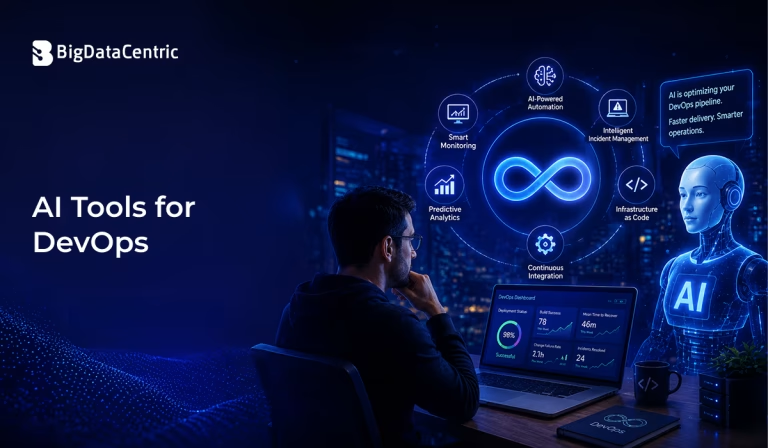
Submitting the form below will ensure a prompt response from us.
AI tools for DevOps are software solutions that use artificial intelligence, machine learning, or generative AI to automate and improve different stages of the software development and operations lifecycle. These tools can assist with code generation, testing, deployment, monitoring, security analysis, incident management, and troubleshooting.
Traditional DevOps already relies heavily on automation, but AI can make these workflows more adaptive and intelligent. Instead of simply executing predefined rules, AI-powered tools can analyze code, logs, metrics, deployment data, and historical incidents to identify patterns and provide recommendations.
For example, an AI-powered observability tool may analyze application logs and detect an unusual error pattern before it becomes a major production incident. Similarly, an AI coding assistant can generate boilerplate code, suggest improvements, explain unfamiliar code, or help developers create tests.
As organizations adopt cloud-native architectures, microservices, containers, and continuous delivery, AI tools are increasingly being used to reduce manual effort and improve operational efficiency.
How is AI Used in DevOps?
AI can support almost every stage of the DevOps lifecycle.
Common applications include:
- Code generation and review
- Automated testing
- CI/CD optimization
- Infrastructure automation
- Application monitoring
- Anomaly detection
- Incident investigation
- Security analysis
- Log analysis
- Root cause analysis
- Documentation generation
The goal is not necessarily to replace DevOps engineers but to help them automate repetitive tasks and make better decisions using data.
Best AI Tools for DevOps
The most suitable tool depends on the DevOps workflow, technology stack, security requirements, and existing development tools.
GitHub Copilot
GitHub Copilot is an AI-powered coding assistant that can help developers write code, explain existing code, generate tests, and work with development tasks.
For DevOps teams, it can assist with:
- Shell scripts
- Infrastructure code
- CI/CD configuration
- Dockerfiles
- Kubernetes manifests
- Test scripts
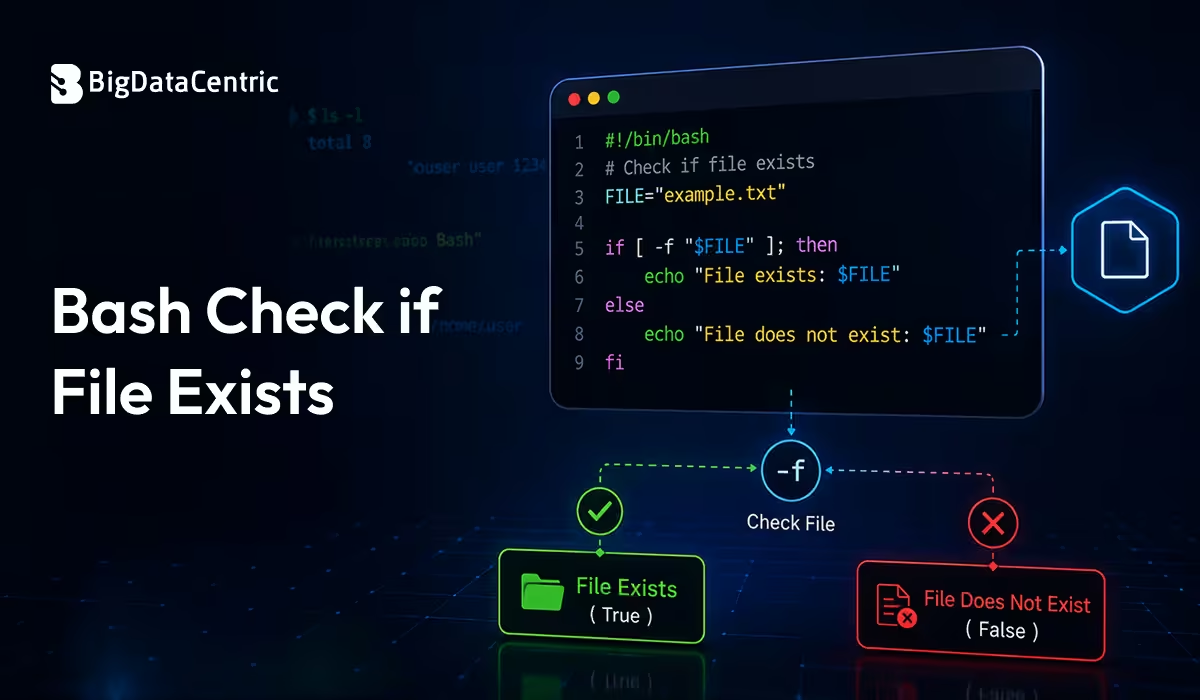
For example, an AI coding assistant can help generate a basic Bash script:
#!/bin/bash

echo "Starting deployment..."

docker pull myapp:latest

docker stop myapp || true

docker rm myapp || true

docker run -d --name myapp myapp:latest

echo "Deployment completed."
The generated code should still be reviewed and tested before being used in production.
Amazon Q Developer
Amazon Q Developer provides AI assistance for software development and AWS-related workflows. It can help developers understand code, generate suggestions, troubleshoot issues, and work with AWS services.
DevOps teams can use AI assistance for tasks involving:
- AWS infrastructure
- Application development
- Code troubleshooting
- Cloud configuration
- Security-related recommendations
It can be particularly useful for teams already working extensively within the AWS ecosystem.
Google Gemini Code Assist
Google’s AI coding assistant can help developers write and understand code, as well as work with Google Cloud technologies.
Potential DevOps applications include:
- Generating configuration files
- Understanding cloud infrastructure
- Writing scripts
- Debugging code
- Creating tests
- Working with Google Cloud services
Microsoft GitHub and Azure AI Capabilities
Microsoft’s ecosystem provides AI-assisted development and cloud management capabilities that can be incorporated into development and DevOps workflows.
Teams using Azure can combine AI-assisted coding with:
- Azure DevOps
- GitHub Actions
- Azure Monitor
- Infrastructure as Code
- Cloud security workflows
This can help teams automate development and deployment processes across Microsoft cloud environments.
Dynatrace
AI-powered observability platforms such as Dynatrace can analyze application performance, infrastructure metrics, logs, and dependencies.
DevOps teams can use intelligent observability to:
- Detect anomalies
- Identify performance problems
- Correlate events
- Investigate incidents
- Analyze application dependencies
This can reduce the amount of time engineers spend manually searching through large volumes of operational data.
Datadog
Datadog provides monitoring and observability capabilities with AI-assisted features that can help teams investigate application and infrastructure issues.
Typical use cases include:
- Log analysis
- Infrastructure monitoring
- Application performance monitoring
- Incident investigation
- Anomaly detection
For example, instead of manually reviewing thousands of log entries, engineers can use monitoring and analytics capabilities to narrow down unusual behavior.
AI Tools for CI/CD
AI can also enhance continuous integration and continuous deployment pipelines.
A basic GitHub Actions workflow might look like this:
name: CI Pipeline

on:

push:

branches:

- main

jobs:

test:

runs-on: ubuntu-latest

steps:

- name: Checkout code

uses: actions/checkout@v4

- name: Install dependencies

run: pip install -r requirements.txt

- name: Run tests

run: pytest
AI can assist developers in generating, reviewing, and troubleshooting CI/CD configurations. It can also help analyze failed pipeline executions and suggest potential fixes.
However, AI-generated pipeline changes should be reviewed carefully because CI/CD configurations can affect production environments.
AI Applications in DevOps
AI for DevOps Monitoring
Monitoring is one of the strongest use cases for AI in DevOps.
Traditional monitoring often relies on predefined thresholds.
For example:
CPU usage > 80% → Trigger alert
AI-based monitoring can analyze historical behavior and identify anomalies that may not match a fixed threshold.
For example:
Normal traffic:
10:00 → 1,000 requests

11:00 → 1,100 requests

12:00 → 1,050 requests
Observed:
12:15 → 8,500 requests
An AI-powered monitoring system could identify this as unusual behavior and help engineers investigate the cause.
AI for DevOps Security
AI tools can assist security teams by analyzing code, dependencies, infrastructure configurations, and runtime activity.
Common applications include:
- Vulnerability identification
- Secret detection
- Dependency analysis
- Suspicious activity detection
- Configuration analysis
- Security alert prioritization
For example, an AI-assisted security workflow may identify an outdated dependency and recommend upgrading it.
Security recommendations should always be validated by qualified engineers before changes are introduced into production systems.
AI for Incident Management
When an incident occurs, engineers may need to analyze:
- Application logs
- Infrastructure metrics
- Deployment history
- Error messages
- Recent configuration changes
AI can help correlate this information and summarize potential causes.
A simplified incident workflow could look like:
Monitoring Alert

↓

Collect Logs & Metrics

↓

AI-Assisted Analysis

↓

Identify Possible Root Cause

↓

Engineer Validation

↓

Remediation

↓

Post-Incident Review
This can help reduce the time required to investigate production incidents.
Benefits of AI Tools for DevOps
Faster Software Delivery
AI can automate repetitive development and operational tasks, allowing teams to focus on higher-value work.
Improved Troubleshooting
AI can analyze large quantities of logs, metrics, and events faster than manual investigation.
Better Automation
AI can help generate scripts, configurations, tests, and infrastructure definitions.
Reduced Manual Work
Routine tasks such as documentation, code explanation, and basic troubleshooting can be accelerated.
Improved Observability
AI can identify patterns and anomalies across complex cloud environments.
Challenges of Using AI in DevOps
AI tools also introduce challenges that organizations should consider.
Security and Privacy
Sensitive source code, infrastructure configurations, credentials, and logs should not be exposed to AI systems without appropriate security controls.
Incorrect Recommendations
AI-generated code or configuration may contain errors or unsafe assumptions.
Over-Automation
Critical production decisions should not always be delegated entirely to AI.
Integration Complexity
Introducing AI into existing DevOps pipelines may require changes to tools, processes, permissions, and security policies.
Accelerate Your DevOps with AI
Our AI and DevOps experts help businesses automate software delivery, monitoring, testing, and infrastructure management with intelligent solutions.
Conclusion
AI tools for DevOps are transforming how development and operations teams build, deploy, monitor, secure, and maintain software. AI coding assistants can accelerate development, while intelligent observability platforms can help teams identify anomalies, investigate incidents, and understand complex infrastructure environments.
Tools such as GitHub Copilot, Amazon Q Developer, Google Gemini Code Assist, Dynatrace, and Datadog can support different parts of the DevOps lifecycle. However, the best solution depends on an organization’s cloud platform, technology stack, security requirements, and operational goals.
AI should be viewed as an enhancement to DevOps rather than a complete replacement for engineering expertise. By combining AI-assisted automation with human review, strong security practices, and well-designed CI/CD processes, organizations can improve productivity, reliability, and the overall efficiency of software delivery.


Jayanti Katariya is the CEO of BigDataCentric, a leading provider of AI, machine learning, data science, and business intelligence solutions. With 18+ years of industry experience, he has been at the forefront of helping businesses unlock growth through data-driven insights. Passionate about developing creative technology solutions from a young age, he pursued an engineering degree to further this interest. Under his leadership, BigDataCentric delivers tailored AI and analytics solutions to optimize business processes. His expertise drives innovation in data science, enabling organizations to make smarter, data-backed decisions.