Why Does “Cannot Use Import Statement Outside a Module” Occur?

 Total View: 171
Submitting the form below will ensure a prompt response from us.
One of the most common JavaScript and Node.js errors developers encounter is:
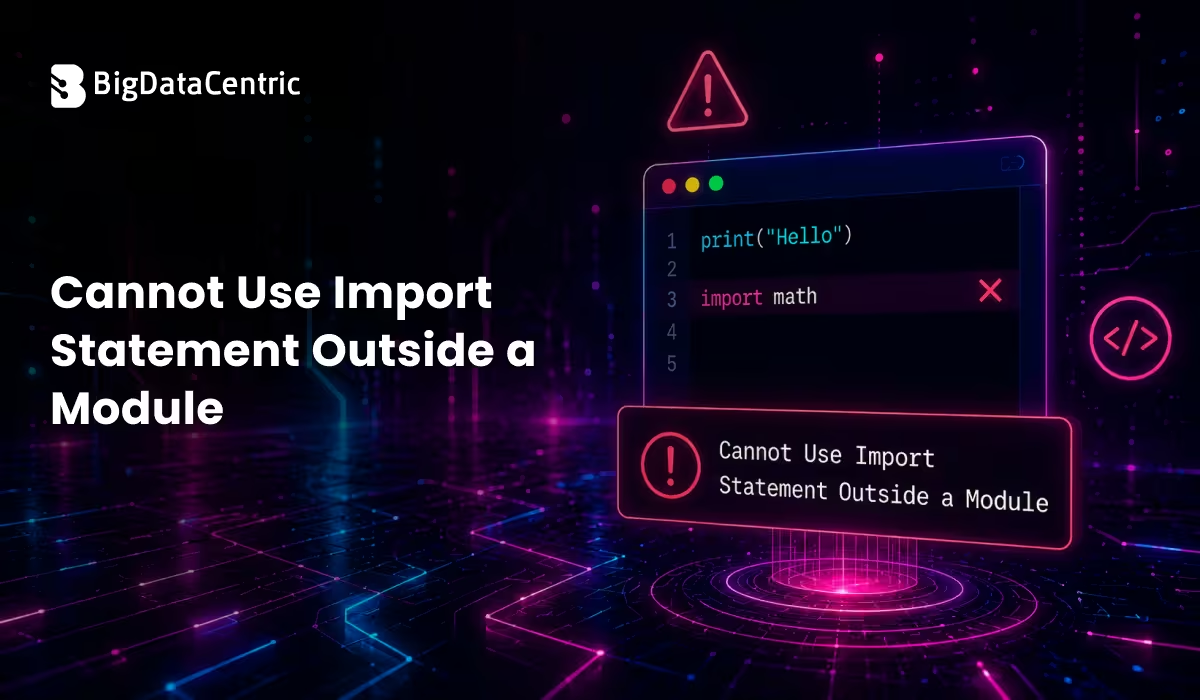
Cannot use import statement outside a module
This error usually appears when working with ES Modules, Node.js applications, TypeScript projects, or frontend JavaScript code.
So, what causes this error, and how can you fix it?
What Does the Error Mean?
The error occurs when JavaScript encounters an import statement in a file that is not being treated as an ES Module.
For example:
import express from "express";
If the runtime expects CommonJS syntax instead of ES Modules, it throws:
SyntaxError: Cannot use import statement outside a module
Why Does This Error Happen?
JavaScript supports two module systems:
CommonJS
Traditionally used in Node.js.
Example:
const express = require("express");
ES Modules (ESM)
Modern JavaScript module system.
Example:
import express from "express";
The error occurs when these systems are mixed incorrectly.
Common Causes of “Cannot Use Import Statement Outside a Module”
Common Cause #1: Missing “type”: “module”
In Node.js, files are treated as CommonJS by default.
If you’re using import, add the following to your package.json:
{
 "type": "module"
}
Example
{

"name": "my-app",

"version": "1.0.0",

"type": "module"

}
After adding this, Node.js will recognize ES module syntax.
Common Cause #2: Using .js Instead of .mjs
Another solution is using the .mjs extension.
Example:
app.mjs

Then:

import express from "express";
Node.js automatically treats .mjs files as ES Modules.
Common Cause #3: Running Browser Code in Node.js
Sometimes developers copy browser-based JavaScript into Node.js projects.
Example:
import { myFunction } from "./utils.js";
Without proper module configuration, Node.js cannot process the import statement.
Common Cause #4: TypeScript Configuration Issues
TypeScript projects may generate this error if module settings are incorrect.
Incorrect tsconfig.json
{

"compilerOptions": {

"module": "commonjs"

}

}
Correct Configuration
{

"compilerOptions": {

"module": "esnext"

}

}
This enables ES module support.
You Might Also Like:
Example of the Error
Code
import fs from "fs";

console.log("Hello");
Output
SyntaxError: Cannot use import statement outside a module
Fix
Add:
{

"type": "module"

}
to package.json.
Import vs Require
| Feature | Import | Require |
|---|---|---|
| Module System | ES Modules | CommonJS |
| Syntax | Modern | Traditional |
| Static Analysis | Yes | Limited |
| Tree Shaking | Supported | Not Supported |
Effective Ways to Fix the Error
Solution 1: Switch to Require
If your project uses CommonJS:
const express = require("express");instead of:
import express from "express";
Solution 2: Enable ES Modules
Add:
{

"type": "module"

}
and keep:
import express from “express”;
Solution 3: Configure Babel
Older environments may require transpilation.
Install:
npm install @babel/core @babel/node @babel/preset-env
Babel converts modern JavaScript into compatible code.
Similar Concept in Python
Python also supports imports:
import os

print(os.getcwd())
However, Python’s module system works differently and does not require ES Module configuration.
Common Mistakes
Mixing Require and Import
const express = require("express");

import fs from "fs";
Avoid mixing module systems unless necessary.
Missing File Extensions
ES Modules often require explicit extensions:
import helper from "./helper.js";
not:
import helper from "./helper";
Incorrect Package Configuration
Forgetting to include “type”: “module” is one of the most common causes.
Real-World Example
Suppose you’re building a Node.js API:
import express from "express";

const app = express();

app.listen(3000);

Without proper module configuration, the application fails to start.

Adding:

{

"type": "module"

}
resolves the issue.
Best Practices
- Use ES Modules in new projects
- Add “type”: “module” when using imports
- Keep module syntax consistent
- Configure TypeScript properly
- Use explicit file extensions
Modern JavaScript Trends
Modern frameworks and runtimes increasingly prefer ES Modules, including:
- Node.js
- React
- Next.js
- Vite
As a result, understanding module configuration has become essential for JavaScript developers.
Resolve JavaScript Errors Faster
Get expert help troubleshooting Node.js and frontend development issues.
Conclusion
The “Cannot Use Import Statement Outside a Module” error occurs when JavaScript encounters an ES Module import statement in a file that is being treated as a CommonJS module.
The most common fixes include:
- Adding “type”: “module” to package.json
- Using .mjs files
- Configuring TypeScript correctly
- Adding type=”module” in browser scripts
- Using require() when working with CommonJS
Understanding the difference between ES Modules and CommonJS helps prevent this error and ensures smoother JavaScript development.


Jayanti Katariya is the CEO of BigDataCentric, a leading provider of AI, machine learning, data science, and business intelligence solutions. With 18+ years of industry experience, he has been at the forefront of helping businesses unlock growth through data-driven insights. Passionate about developing creative technology solutions from a young age, he pursued an engineering degree to further this interest. Under his leadership, BigDataCentric delivers tailored AI and analytics solutions to optimize business processes. His expertise drives innovation in data science, enabling organizations to make smarter, data-backed decisions.