How to Convert Bytes to a String in Python 3?

 Total View: 55
Submitting the form below will ensure a prompt response from us.
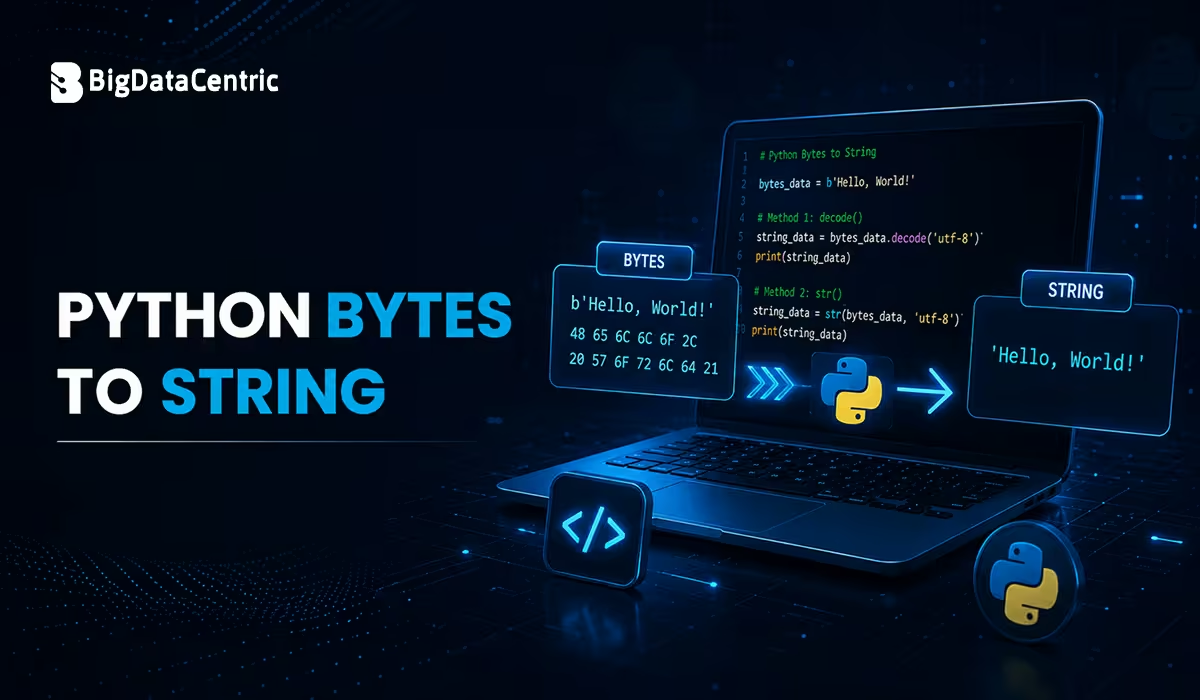
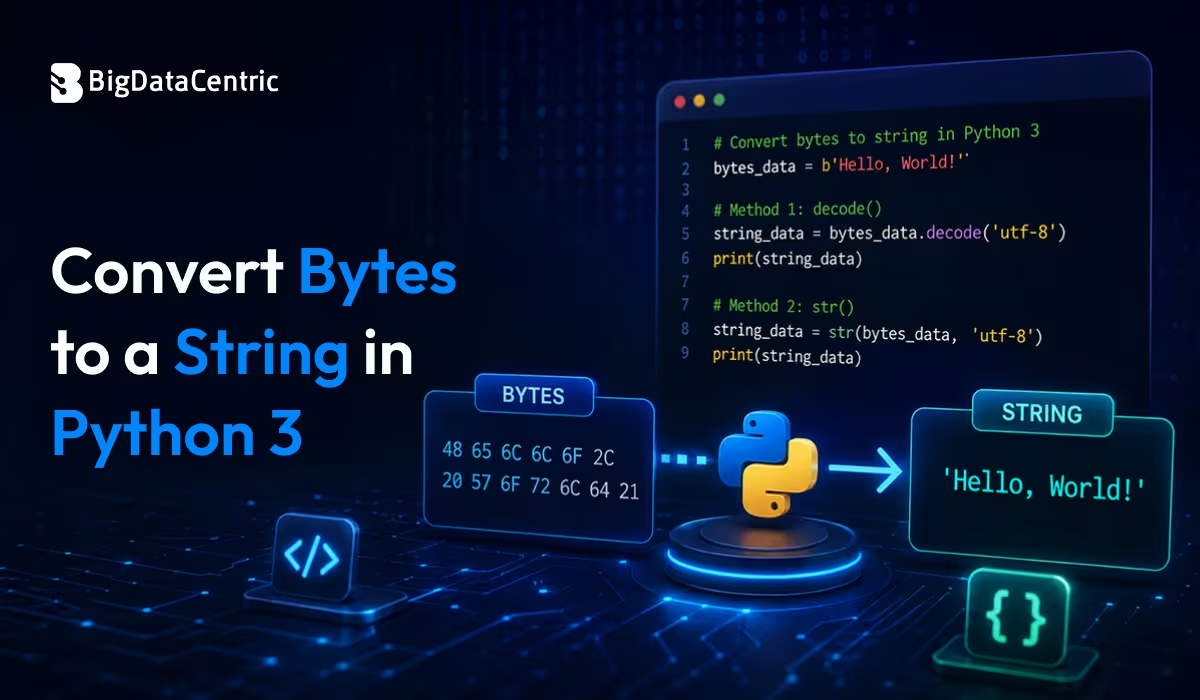
In Python 3, text and binary data are treated as separate data types. Strings (str) represent readable Unicode text, while bytes (bytes) represent raw binary data. When working with files, network communication, APIs, or encoded data, developers frequently need to convert bytes into strings for processing and display.
Python 3 provides several methods for converting bytes to strings, with the decode() method being the most commonly used and recommended approach. Understanding the difference between bytes and strings, as well as choosing the correct encoding, helps prevent common errors such as UnicodeDecodeError.
This guide explains how to Convert Bytes to a String in Python 3 using various techniques, practical examples, and best practices.
What are Bytes in Python 3?
A bytes object is an immutable sequence of binary data. It is commonly used when reading binary files, handling network packets, or processing encoded content.
Example:
message = b"Welcome to Python 3"

print(message)
Output
b'Welcome to Python 3'
The b prefix indicates that the value is stored as bytes rather than a regular string.
What is a String in Python 3?
A string (str) stores Unicode characters and represents human-readable text.
Example:
message = "Welcome to Python 3"

print(message)
Output
Welcome to Python 3
Unlike bytes, strings can be manipulated directly using Python’s built-in string methods.
Methods to Convert Bytes to a String in Python 3
Convert Bytes to a String Using decode()
The recommended way to convert bytes into a string is by using the decode() method.
Syntax
bytes_object.decode(encoding="utf-8")
Example
byte_data = b"Python Programming"

text = byte_data.decode("utf-8")

print(text)
Output
Python Programming
The decode() method converts binary data into a readable Unicode string using the specified encoding.
Convert Bytes Using UTF-8 Encoding
UTF-8 is the default and most widely used encoding in Python 3.
Example
course = b"Data Science"

result = course.decode("utf-8")

print(result)
Output
Data Science
UTF-8 supports almost every language and is recommended for most applications.
Convert Bytes Using ASCII Encoding
If your byte data contains only standard ASCII characters, you can use the ASCII encoding.
Example
developer = b"Backend Developer"

text = developer.decode("ascii")

print(text)
Output
Backend Developer
ASCII is suitable only for basic English characters and symbols.
Convert Bytes Using the str() Function
Python also allows you to use the str() constructor.
Example
byte_data = b"Python"

print(str(byte_data))
Output
b'Python'
Unlike decode(), the str() function returns the string representation of the bytes object rather than converting it into readable text. Therefore, it is generally not recommended for decoding byte data.
Handle Decoding Errors
Sometimes byte sequences may contain invalid characters for a given encoding.
Example
byte_data = b"Python\xff"

text = byte_data.decode("utf-8", errors="ignore")

print(text)
Output
Python
Other supported error handling options include:
- strict
- ignore
- replace
Choosing the right option depends on your application’s requirements.
Convert Bytes Using the codecs Module
The codecs module also supports decoding bytes.
Example
import codecs

byte_data = b"Hello World"

text = codecs.decode(byte_data, "utf-8")

print(text)
Output
Hello World
Although this approach works well, decode() is simpler and is generally preferred for most applications.
Real-World Use Cases
Reading a Binary File
with open("sample.txt", "rb") as file:

data = file.read()

text = data.decode("utf-8")

print(text)
Processing API Responses
response = b'{"status":"success","code":200}'

json_data = response.decode("utf-8")

print(json_data)
Receiving Data from a Socket
socket_data = b"Connection Established"

message = socket_data.decode("utf-8")

print(message)
Binary network data must typically be decoded before further processing.
Common Character Encodings
Python supports several encoding standards.
| Encoding | Description | Common Use Cases |
|---|---|---|
| UTF-8 | Most widely used Unicode encoding | Web applications, APIs, JSON, text files, and multilingual content |
| ASCII | Standard English characters | Simple text files, legacy systems, and basic English data |
| UTF-16 | Two-byte Unicode encoding | Windows applications, Unicode text processing, and XML documents |
| Latin-1 | Western European character encoding | Legacy applications, databases, and Western European languages |
Using the correct encoding ensures accurate conversion of byte data.
Best Practices
Use decode() Whenever Possible
The decode() method is the standard and recommended approach for converting bytes to strings.
Prefer UTF-8 Encoding
UTF-8 offers excellent compatibility across different platforms and languages.
Handle Invalid Characters
Use the errors parameter when decoding external data that may contain unexpected byte sequences.
Decode Using the Original Encoding
Always decode bytes using the same encoding that was used during encoding.
Validate External Data
Check the source of incoming byte data before decoding to avoid runtime errors.
Common Mistakes to Avoid
Using str() Instead of decode()
Incorrect:
byte_data = b"Python"

print(str(byte_data))
Output
b'Python'
Correct:
byte_data = b"Python"

print(byte_data.decode("utf-8"))
Output
Python
Using an Incorrect Encoding
Incorrect:
byte_data.decode("ascii")
If the data contains Unicode characters outside the ASCII range, this may raise a UnicodeDecodeError.
Instead, use:
byte_data.decode("utf-8")
when the bytes are UTF-8 encoded.
Develop Powerful Python Applications with Experts
Our Python developers build scalable web applications, automation tools, and AI-powered solutions tailored to your business goals.
Conclusion
Converting bytes to a string in Python 3 is a fundamental task when working with files, APIs, sockets, and other sources of binary data. The built-in decode() method provides the most reliable and efficient way to perform this conversion while supporting multiple character encodings such as UTF-8 and ASCII.
By understanding the differences between bytes and strings, choosing the correct encoding, and handling decoding errors appropriately, developers can build robust Python applications that process binary data accurately and efficiently. Whether you’re developing web applications, automation scripts, or data-processing tools, mastering bytes-to-string conversion is an essential Python skill.


Jayanti Katariya is the CEO of BigDataCentric, a leading provider of AI, machine learning, data science, and business intelligence solutions. With 18+ years of industry experience, he has been at the forefront of helping businesses unlock growth through data-driven insights. Passionate about developing creative technology solutions from a young age, he pursued an engineering degree to further this interest. Under his leadership, BigDataCentric delivers tailored AI and analytics solutions to optimize business processes. His expertise drives innovation in data science, enabling organizations to make smarter, data-backed decisions.