How to Convert Python Bytes to String?

 Total View: 63
Submitting the form below will ensure a prompt response from us.
In Python, data can be represented as either strings (str) or bytes (bytes). While strings store human-readable text, bytes represent raw binary data that is commonly used when working with files, network communication, APIs, or encoded information.
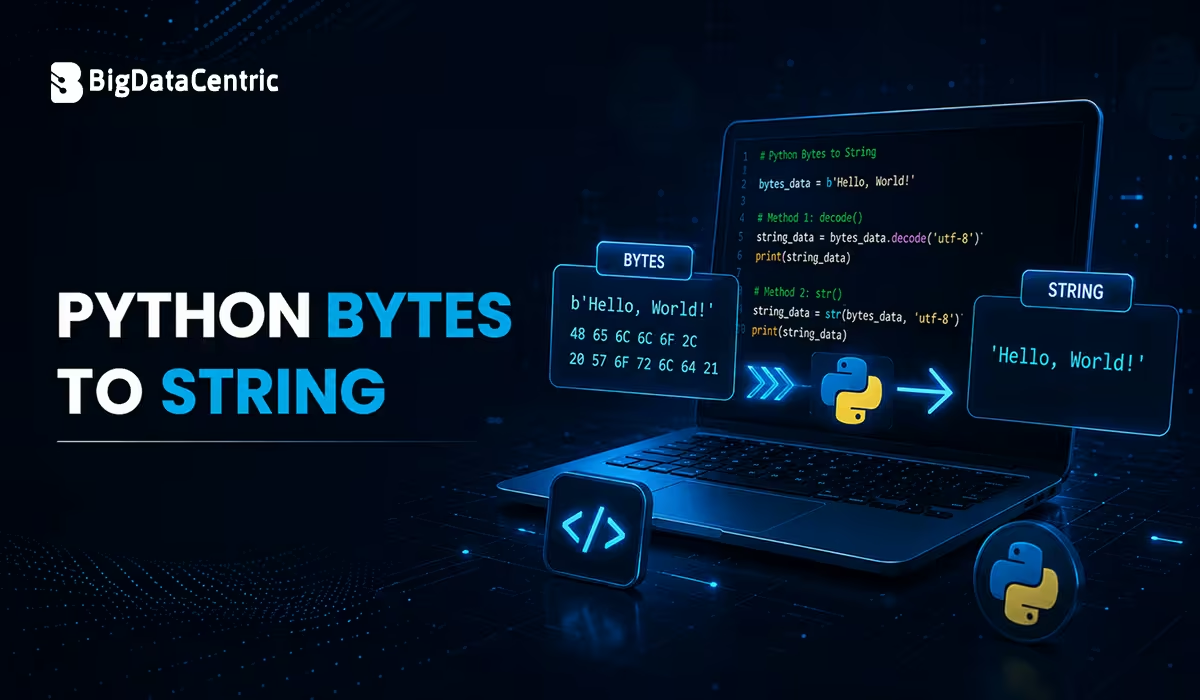
When processing binary data, developers often need to convert bytes into readable strings. Python provides a straightforward way to perform this conversion using the built-in decode() method. Understanding how bytes-to-string conversion works is essential for avoiding encoding errors and ensuring data is interpreted correctly.
This guide explains how to convert Python Bytes to Strings, explores different decoding methods, and shares best practices for handling encoded data.
What are Bytes in Python?
A bytes object is an immutable sequence of bytes used to represent binary data.
For example:
message = b"Hello, Python!" print(message)
Output
b'Hello, Python!'
Notice the b prefix, which indicates that the object is a bytes literal rather than a regular string.
What is a String in Python?
A string (str) is a sequence of Unicode characters used to represent readable text.
Example:
message = "Hello, Python!"print(message)
Output
Hello, Python!
Unlike bytes, strings can be manipulated directly using Python’s string methods.
A Ways to Convert Python Bytes to String
Convert Bytes to String Using decode()
The most common and recommended way to convert bytes to a string is by using the decode() method.
Syntax
bytes_object.decode(encoding='utf-8')
Example
message = b"Welcome to Python"

text = message.decode("utf-8")

print(text)
Output
Welcome to Python
The decode() method converts binary data into a readable Unicode string using the specified character encoding.
Convert Bytes to String Using UTF-8
UTF-8 is the default encoding used in most modern Python applications.
Example
data = b"Python Programming"

result = data.decode("utf-8")

print(result)
Output
Python Programming
UTF-8 supports a wide range of international characters and is recommended for most applications.
Convert Bytes to String Using ASCII
If your bytes contain only standard ASCII characters, you can decode them using the ASCII encoding.
Example
text_bytes = b"Developer"

text = text_bytes.decode("ascii")

print(text)
Output
Developer
ASCII works well for simple English text but cannot decode many Unicode characters.
Convert Bytes to String Using str()
Python also allows conversion using the str() constructor.
Example
message = b"Python"

print(str(message))
Output
b'Python'
Unlike decode(), the str() function returns the string representation of the bytes object rather than decoding its content. Therefore, it is generally not recommended when you need the actual text.
Handle Decoding Errors
Sometimes byte data may contain invalid characters for a particular encoding.
Example
data = b"Python\xff"

text = data.decode("utf-8", errors="ignore")

print(text)
Output
Python
Other available error handling options include:
- ignore
- replace
- strict
Using the appropriate error strategy helps prevent unexpected runtime exceptions.
Convert Bytes to String Using the codecs Module
The codecs module provides another way to decode bytes.
Example
import codecs

message = b"Hello World"

text = codecs.decode(message, "utf-8")

print(text)
Output
Hello World
Although functional, the built-in decode() method is generally preferred because it is simpler and more readable.
Real-World Use Cases
Reading Binary Files
with open(“sample.txt”, “rb”) as file:
data = file.read()

text = data.decode("utf-8")

print(text)
Processing API Responses
response = b'{"status":"success"}'

json_data = response.decode("utf-8")

print(json_data)
Receiving Socket Data
received_data = b"Connection Established"

message = received_data.decode("utf-8")

print(message)
Network communication frequently uses bytes, making decoding an essential step before processing received data.
Common Encoding Types
| Encoding | Description | Common Use Cases |
|---|---|---|
| UTF-8 | Most widely used Unicode encoding that supports almost all characters. | Web applications, APIs, files, databases, and cross-platform data exchange. |
| ASCII | Supports 128 standard English characters. | Simple text files, legacy systems, and basic English content. |
| UTF-16 | Uses 2-byte (or 4-byte for some characters) Unicode encoding. | Windows applications, certain document formats, and Unicode text processing. |
| Latin-1 (ISO-8859-1) | Single-byte encoding for many Western European characters. | Legacy applications, older websites, and Western European language data. |
Selecting the correct encoding ensures accurate conversion of byte data.
Best Practices
Use UTF-8 Whenever Possible
UTF-8 is the most widely supported encoding and works for most applications.
Prefer decode() Over str()
The decode() method converts bytes into readable text, while str() simply displays the bytes object.
Handle Decoding Errors
Specify the errors parameter when processing data from external sources.
Know the Original Encoding
Always decode bytes using the same encoding that was used during encoding.
Validate External Data
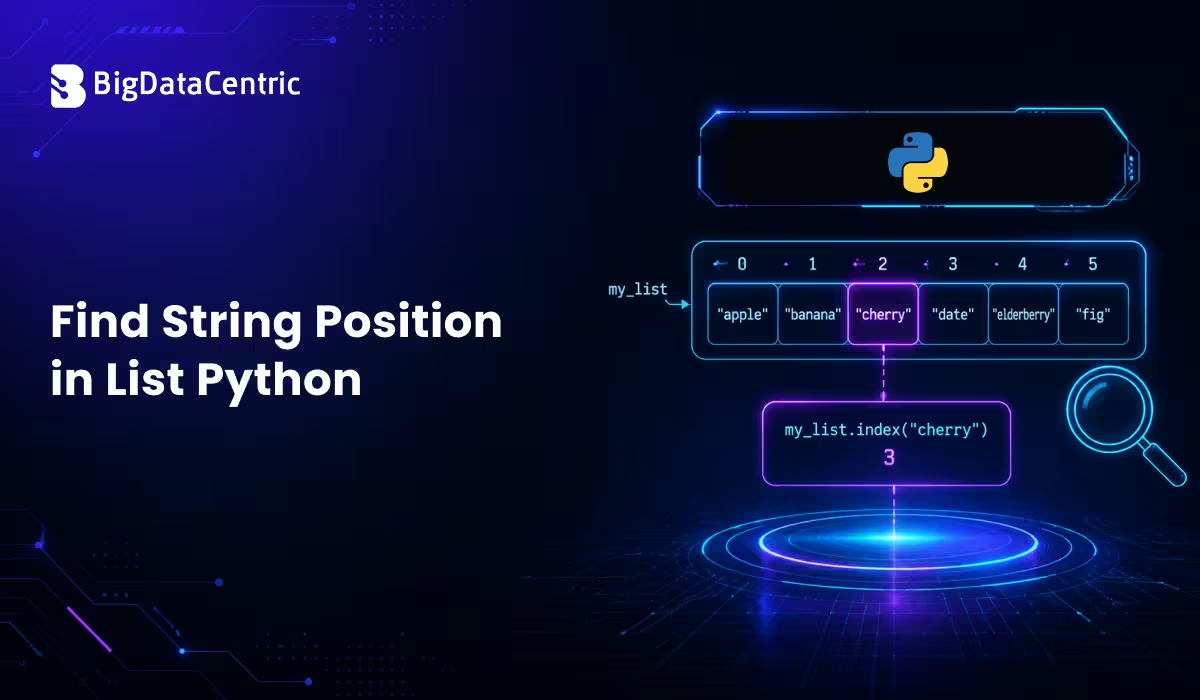
When receiving bytes from APIs, files, or network connections, validate the encoding before decoding. Once the data is converted into a string, you can safely perform text-processing tasks, such as find string position in list Python, without encountering encoding-related issues.
Common Mistakes to Avoid
Using str() Instead of decode()
Incorrect:
message = b"Python"

print(str(message))
Output
b'Python'
Correct:
message = b"Python"

print(message.decode("utf-8"))
Output
Python
Using the Wrong Encoding
Incorrect:
message.decode("ascii")
If the bytes contain Unicode characters outside the ASCII range, this can raise a UnicodeDecodeError.
Instead, use:
message.decode("utf-8")
when the data is encoded in UTF-8.
Build Robust Python Applications with Experts
Our Python developers create scalable web applications, automation tools, and AI-powered solutions tailored to your business needs.
Conclusion
Converting Python bytes to strings is a common task when working with files, APIs, network communication, and binary data. The built-in decode() method is the preferred approach because it accurately converts byte sequences into readable Unicode strings while supporting multiple character encodings.
By understanding encoding formats such as UTF-8 and ASCII, handling decoding errors appropriately, and following Python best practices, developers can process binary data efficiently and build reliable, high-performance Python applications.


Jayanti Katariya is the CEO of BigDataCentric, a leading provider of AI, machine learning, data science, and business intelligence solutions. With 18+ years of industry experience, he has been at the forefront of helping businesses unlock growth through data-driven insights. Passionate about developing creative technology solutions from a young age, he pursued an engineering degree to further this interest. Under his leadership, BigDataCentric delivers tailored AI and analytics solutions to optimize business processes. His expertise drives innovation in data science, enabling organizations to make smarter, data-backed decisions.